
What comes in
Fax received
- Referral letter and supporting records arrive together.
- Patient and referring practice details are on the cover sheet.
Document Inbox
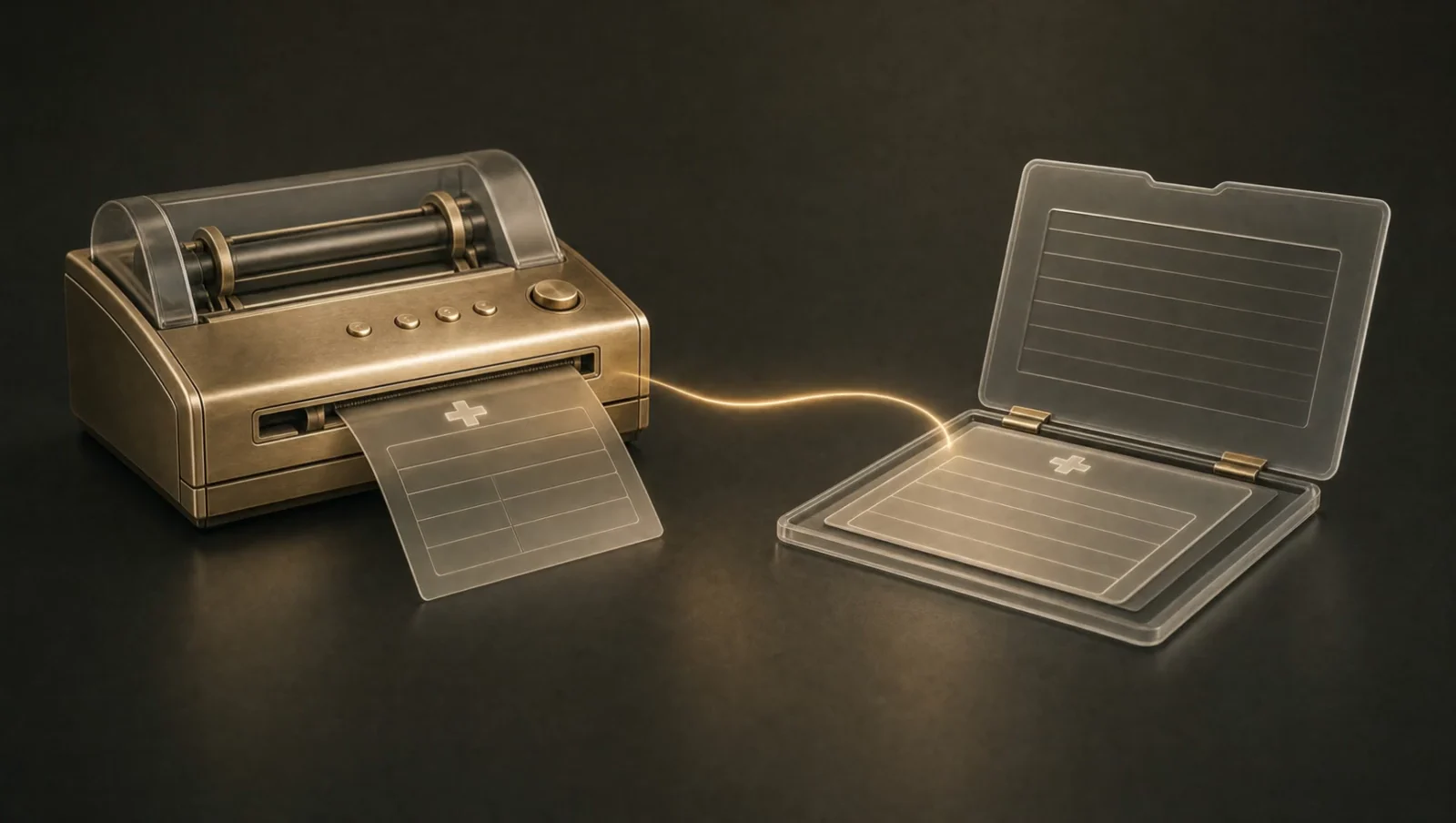
Caesar reads incoming faxes and clinical documents. It extracts the details and files them in your EMR. Referrals reach the right team, and flagged results go to a clinician for review.
See the work
These illustrative document flows show a routine referral and a report needing review.
Staff receive the referral with its supporting documents in one place.
What Document Inbox does
The clinician reviews the finding and decides what to do next.
What Document Inbox does
What it handles
Each document needs more than a place to sit. The Document Inbox identifies what arrived and sends it where someone can act on it.
Extract details from faxes and scanned records, including patient identifiers and reported results.
Identify the document type, match the patient, and file it in the appropriate chart section.
Send incoming referral documents to the right team using your practice’s routing rules.
Surface abnormal results or missing information and retain the original document for staff.
Fits your practice
The setup starts with your incoming channels and ends with the way your team wants documents filed.
Bring in your existing fax or eFax service and supported document channels.
Choose destinations by document type, sender, or content.
Extract structured details and identify the correct patient chart.
Record the document, route the next task, and send exceptions for review.
A clinician reviews flagged findings. Documents the agent cannot fully process are sent to staff with whatever it could extract. Your team can trace the processed information back to the original file.
We confirm the available connections and functions in your electronic medical record system, or EMR, before setup.
Check your EMR integration





Available functions vary by system and agent.
Before you start
What to expect from Document Inbox, and what your team controls.
The AI fax agent uses optical character recognition (OCR) and medical NLP to read pages in clinical context, including handwriting and poor-quality scans. It extracts patient name, date of birth (DOB), medical record number (MRN), test results, diagnoses and medications into discrete fields. Supported integrations write these as FHIR-compliant structured data into the EHR.
Yes. Document triage uses your priority rules and flagged urgency so a high-volume referral queue is not worked only by arrival time. Critical values receive additional validation and are escalated for clinician review. Unreadable or incomplete documents stay visible with the content the agent could extract attached.
The Document Inbox provides a shared backlog view, duplicate detection and time-stamped processing history. It supports 45+ document formats and 20+ languages. HIPAA-compliant processing and encryption protect the workflow, with a BAA executed at contract signing. Staff retain review of critical findings and exceptions.
The integration layer writes FHIR-compliant structured data into supported EHR fields. It can receive documents from your existing fax line, eFax, email, EHR uploads and portals. We confirm the API or other connection available for your system before setup.
Yes. Your existing fax number stays in place, whether you use a traditional fax setup, an eFax service or EHR-integrated fax. Senders continue using the same number.
It flags the document for human review with the original file and any extracted content attached. Staff can resolve unclear details without starting from a blank record.
The agent uses medical context when reading handwriting and imperfect scans. Critical values receive additional validation before routing, and uncertain fields are flagged for review. A clinician reviews abnormal findings. Accuracy depends on the source document and should be checked on your document mix.
Yes. Rules can use document type, sender, content or flagged urgency. The agent sorts referrals, lab results, imaging reports, prior authorizations and discharge summaries, then matches the patient and files the document in the appropriate chart section.
PDF, TIFF and JPEG are supported alongside the wider set of 45+ image-based document formats. Extraction produces FHIR-compliant structured fields, rather than only attaching an image to the record. Confirm your document types and available chart fields during setup.
The published setup plan is about two weeks for most practices: initial connection and training on document types, followed by monitored live processing. Your document sources and routing complexity determine the actual schedule.
Yes. The Document Inbox runs on HIPAA-compliant infrastructure. Data is encrypted in transit and at rest. Caesar Health executes a Business Associate Agreement (BAA) at contract signing. SOC 2 Type II is in progress.
Measure incoming document volume and the staff time spent reading, filing and entering each document. Account for the exceptions staff still review. The ROI calculator lets you model the value using your own practice inputs.
Document Inbox
Show us your document queue. We will map how each fax can be read and routed to the right chart or team.
Book a demo